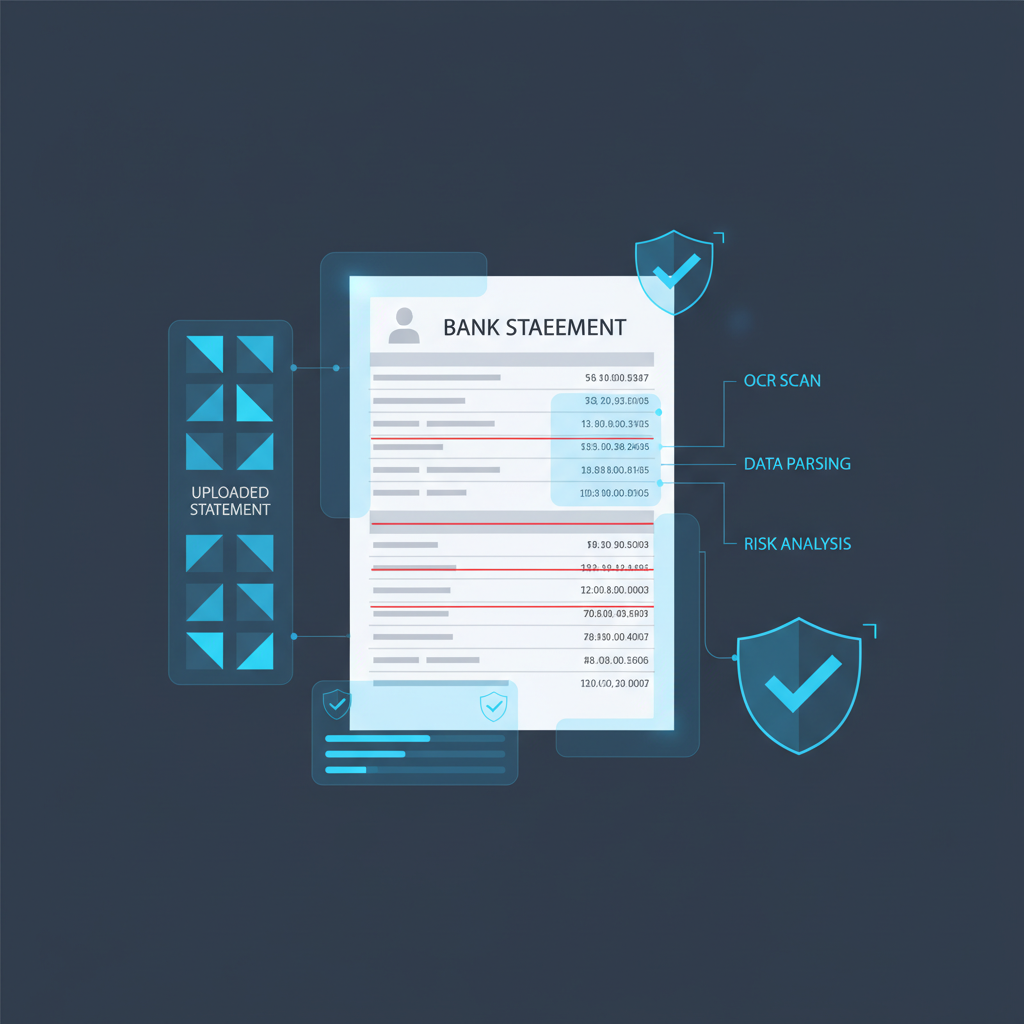
A bank statement verification workflow should answer one question before anything else happens:
Does this uploaded file deserve trust?
That question gets skipped surprisingly often. Teams collect a PDF, screenshot, or exported image. OCR reads the rows. A conversion tool turns the statement into CSV or bookkeeping-ready columns. An underwriter, accountant, or operations reviewer starts working from the extracted data. The workflow feels efficient, but the trust decision never happened.
The practical rule: verify the uploaded bank statement first, then extract it, summarize it, reconcile it, or approve anything based on it.
Why This Workflow Matters Now
Modern finance teams are optimized for convenience. Customers upload PDFs through portals. Bookkeepers convert statements for cleanup work. Lenders request statements during underwriting. Small finance teams still use file-based imports when direct feeds are unavailable or incomplete. QuickBooks even documents manual transaction-file upload paths and related conversion workflows because file-based intake is still common in day-to-day operations.
That convenience creates a specific weakness: once the file lands successfully, the organization starts treating it like source evidence.
The dangerous statement is not always the obviously fake one. It is the one that looks ordinary enough to parse, import, and discuss without anyone stopping to ask whether the file itself was edited before upload.
What a Real Bank Statement Verification Workflow Looks Like
A useful workflow has five stages.
1. Collect the file, but do not trust it yet
Statements arrive as PDFs, screenshots, scans, email attachments, or exports pulled from portals. This is only intake. The fact that the file uploaded successfully does not mean it is trustworthy.
2. Run verification before OCR or import
This is the control most teams are missing. Before PDF-to-CSV conversion, statement parsing, bookkeeping import, or underwriting review, the workflow should analyze whether the file shows signs of tampering, recreation, screenshot laundering, or structural inconsistency.
3. Route low-risk files into extraction
Clean files should continue into OCR, parsing, categorization, reconciliation, or risk review. Verification should protect workflow speed, not destroy it.
4. Escalate suspicious files early
When the statement looks questionable, the case should branch before downstream systems compound trust around it. That branch might request a replacement file, a direct-source retry, supporting evidence, or manual review.
5. Let downstream teams work on better evidence
Only after the file has passed a trust check should the rest of the workflow start debating balances, deposits, cash flow, or underwriting significance.
Where Teams Usually Get the Order Wrong
Most broken workflows follow this pattern:
- The bank statement uploads cleanly.
- OCR or a conversion tool extracts the rows successfully.
- The imported data looks tidy inside the downstream system.
- The team starts reasoning about the money instead of the file.
That is how bad evidence gains leverage. A manipulated statement can still contain readable transactions, plausible balances, and normal-looking formatting. Extraction success is not proof of authenticity.
What Verification Should Check Before the Workflow Trusts the File
Based on the current DocVerify product and codebase, a bank statement verification layer can screen PDFs and common image uploads for signals like:
- metadata anomalies that do not fit the claimed document origin
- suspicious PDF structure that may indicate hidden edits or unusual revision history
- screenshot and recompression patterns where provenance has been flattened but traces remain
- font and glyph inconsistencies around balances, dates, or transaction lines
- clone or tamper indicators where values or regions may have been patched
- model-based suspicious-region localization so reviewers know where to look first
Those checks do not replace accounting or underwriting judgment. They answer the earlier question about whether the uploaded evidence deserves trust at all.
How This Fits Different Workflows
Bookkeeping and accounting
Bookkeepers often receive statements when direct feeds fail, when a historical cleanup is needed, or when a client sends supporting files for manual work. Verification belongs before conversion, import, and reconciliation so the team does not build books around a questionable upload.
Lending and underwriting
Underwriters use statements to assess liquidity, deposits, balances, reserves, and cash-flow stability. Verification belongs before OCR, analyst notes, or risk scoring, because a well-edited statement can still look financially coherent enough to influence the case.
Internal finance and approval workflows
Some finance teams collect bank statements as support for account ownership, vendor changes, reserve checks, or exception handling. In those cases, the same trust rule applies: the file should be verified before approval logic or ERP-linked workflows begin inheriting confidence from it.
Related AP workflow: if your team also trusts uploaded invoices in approval chains, read Invoice OCR Is Not Invoice Trust. The document-trust problem is similar even when the file type changes.
A Practical Decision Tree
- User uploads a bank statement as PDF or image.
- Verification runs immediately before extraction or review.
- If low risk: continue into OCR, conversion, bookkeeping import, underwriting review, or workflow automation.
- If suspicious: hold the file, request replacement evidence, retry via direct source, or escalate to a reviewer.
- Only then: let the downstream workflow act on the statement content.
This is the cleanest way to keep speed without letting convenience become a fraud control failure.
Where DocVerify Fits
DocVerify is built for that pre-extraction trust layer. Teams can screen uploaded bank statements, screenshots, PDFs, and related support files through https://docverify.app before OCR, bookkeeping import, underwriting review, approval logic, or agent workflows start treating the file as trustworthy evidence.
If your current workflow can read a bank statement but cannot tell you whether the uploaded file itself deserves trust, you still have a fraud gap.
- Try DocVerify: https://docverify.app
- Related OCR angle: Bank Statement OCR Is Not Bank Statement Trust
- Related AP workflow: Invoice OCR Is Not Invoice Trust
- QuickBooks-specific angle: QuickBooks Statement Extraction