Accounts payable teams finally have good automation. OCR pulls fields off invoices, approval rules route exceptions, and ERP workflows move faster than ever.
The weak point is not extraction speed. It is document trust.
An edited PDF invoice can still produce perfect OCR. If the amount, bank account, due date, or payee field was changed before upload, your AP stack may extract the fraudulent data cleanly and pass it downstream as if it were ground truth.
That is the problem more finance operators are running into: invoice OCR is getting better at reading what a document says, not whether the document should be trusted.
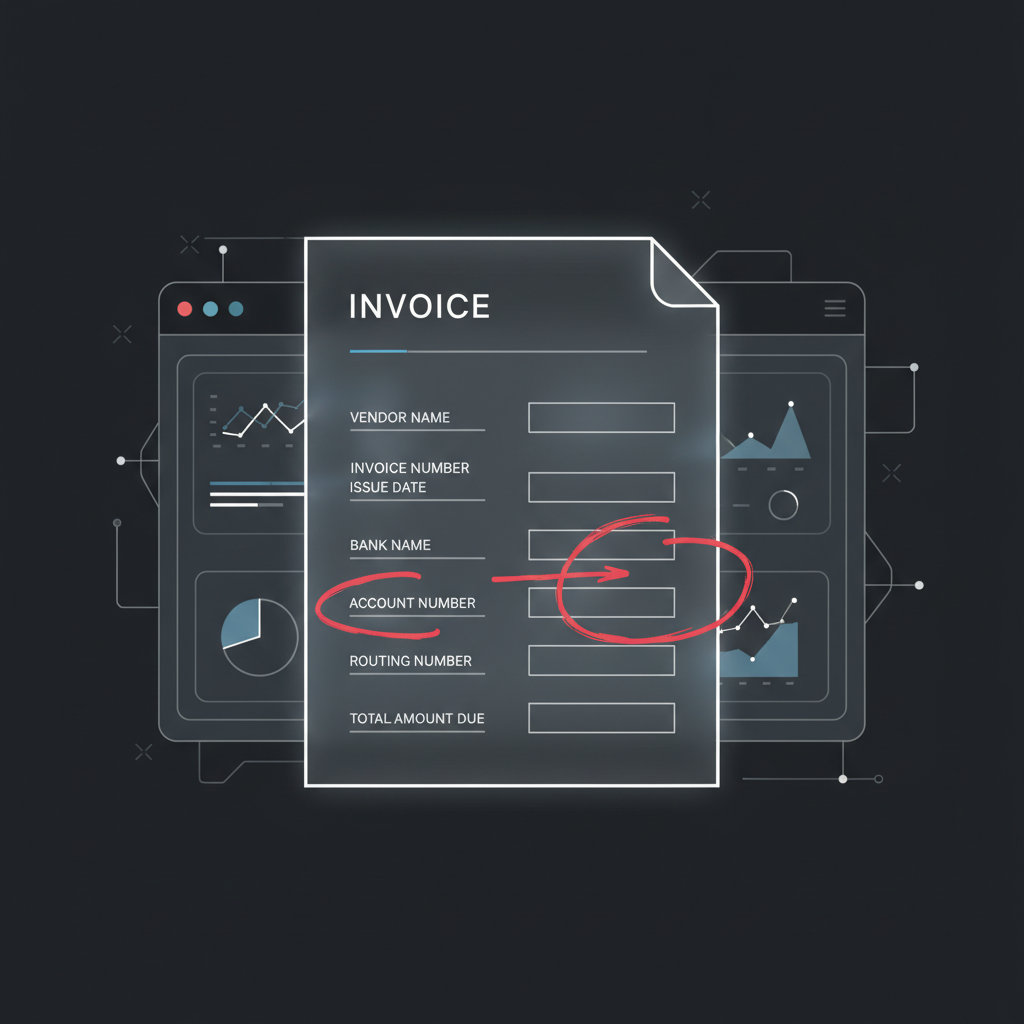
Where AP Automation Actually Breaks
Most AP automation stacks are optimized for a different question:
- Can we classify this document as an invoice?
- Can we extract vendor, date, amount, terms, and line items?
- Can we match it against a PO or route it for approval?
Those are good workflow questions. They are not authenticity questions.
If someone edits a legitimate supplier invoice PDF and changes just one or two critical fields, the automation layer may do exactly what it was designed to do: read the modified fields accurately.
Failure mode: the better your OCR gets, the more efficiently it can operationalize a fraudulent edit if you never verify the document itself.
Common Edited-PDF Invoice Fraud Patterns
1. Bank detail swaps
A legitimate invoice is intercepted or resaved with updated remittance details. The vendor name still looks right. The invoice number still looks right. The only thing that changed is where the money goes.
2. Amount inflation
A fraudster changes the total, line item values, or tax field just enough to avoid obvious attention. OCR extracts the inflated number perfectly because the modified text is crisp and machine-readable.
3. Due-date pressure edits
The invoice is changed to look overdue or urgent, nudging approvers to bypass slower controls and pay quickly.
4. Near-duplicate submissions
The same invoice gets resubmitted with a tiny tweak to the invoice number, date, or total so duplicate controls miss it while the rest of the document looks familiar.
Why Three-Way Matching Is Not Enough
Many teams assume PO matching or vendor master controls solve this. They help, but they do not close the full gap.
Here is why:
- Non-PO invoices still exist in almost every finance org
- Bank-detail fraud can happen even when the supplier identity looks legitimate
- Manual overrides happen under time pressure
- Near-duplicate invoices can evade simplistic duplicate checks
- OCR confidence is often mistaken for document legitimacy
Three-way matching tells you whether transaction records appear consistent. It does not tell you whether the uploaded PDF was manipulated before it entered the workflow.
What OCR Sees vs. What an Authenticity Layer Sees
OCR / IDP sees:
- text blocks
- tables
- dates, totals, invoice IDs, vendor names
- layout structures useful for classification and extraction
An authenticity layer looks for different signals:
- font and rendering inconsistencies around edited values
- compression anomalies and post-processing artifacts
- visual seams where patched regions do not match the surrounding document
- metadata or export signatures that do not fit the claimed document origin
That distinction matters. A document can be easy to parse and still be dangerous to trust.
A Better AP Architecture
The safer pattern for invoice automation is:
- Verify authenticity first
- Extract invoice fields second
- Match, route, approve, and pay last
In practice, that means suspicious invoices do not flow through the happy path just because OCR confidence was high. They get routed for review before payment instructions or accounting entries inherit bad data.
Rule of thumb: if a document can change where money moves, the workflow should validate authenticity before it trusts extraction.
Who Needs This Most
- Mid-market finance teams rolling out AP automation and reducing manual review
- Shared service centers processing invoices across many entities and vendor relationships
- AI-native finance products that want to automate invoice intake without becoming an attack surface
- Teams handling emailed PDFs where altered attachments and urgent payment changes are a recurring risk
Where DocVerify Fits
DocVerify gives AP and AI-document workflows a dedicated trust layer before extraction-driven systems act on invoice content.
That means you can screen uploaded invoice images, scans, screenshots, and rendered PDFs for manipulation signals before your automation stack treats them as clean source material.
- Use it before OCR when the invoice source is untrusted or emailed in
- Use it before approval on higher-risk invoices or vendor changes
- Use it in agent workflows so finance copilots do not summarize or route altered documents as if they were legitimate
Get Started
If your AP stack can read invoices, the next question is whether it can trust them.
- Try DocVerify: https://docverify.app
- See why OCR is not enough: Read the authenticity-layer overview
- Building agent workflows? Set up DocVerify with MCP