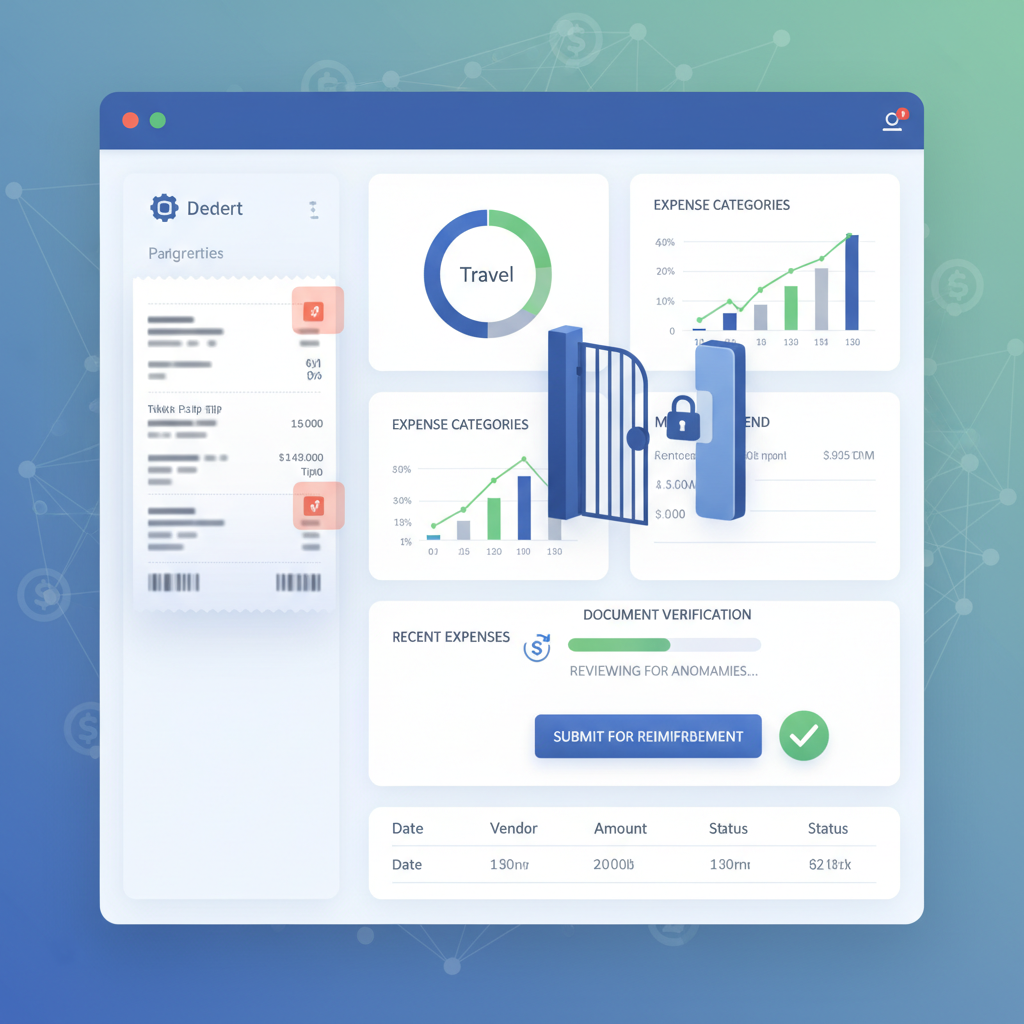
QuickBooks receipt capture solves a real problem for lean finance teams: it gets receipts into the system faster, reduces manual entry, and helps reimbursement or bookkeeping move without the usual admin drag.
That convenience is valuable. It is also not the same thing as proving that the uploaded receipt deserves trust.
The control gap: QuickBooks can help ingest, extract, and organize receipt data. It still does not verify whether the uploaded receipt image or PDF was edited, generated, or otherwise manipulated before reimbursement and bookkeeping start acting on it.
Why This Is a Real QuickBooks Workflow Problem Now
For SMB controllers, outsourced bookkeepers, and AP leads running QuickBooks-based finance operations, the attraction is obvious: fewer emails, faster receipt collection, cleaner coding, and less time retyping merchant names and totals.
That is exactly why this risk matters more now. As receipt intake gets easier, the workflow starts trusting uploaded evidence faster.
Recent QuickBooks community discussion and adjacent finance-tool workflows keep circling the same operational pattern:
- receipt upload by photo, email, or drag-and-drop into a QuickBooks-connected expense flow
- automatic field extraction for merchant, date, tax, category, or amount
- approval routing through a manager, controller, or connected approval tool
- bookkeeping sync into the reimbursement or expense record once the workflow looks clean
That sequence is efficient. It also creates a simple trust failure: the receipt often becomes operationally accepted before anyone has checked whether the file itself is authentic.
What QuickBooks Receipt Capture Actually Does Well
QuickBooks and its surrounding ecosystem are good at workflow tasks:
- collecting uploaded receipts from employees or operators
- extracting fields so teams do less manual entry
- suggesting categorization and matching the expense into the bookkeeping flow
- supporting approval steps directly or through connected tools
- keeping records organized for reimbursement, reconciliation, and audit history
ApprovalMax’s newer QuickBooks expense-capture workflow makes the same promise in even clearer terms: upload a receipt, extract the key data, route it through approval, and sync it once approved.
That is useful workflow automation. But it answers a workflow question, not an authenticity question.
Can the system move this receipt through intake and approval? is different from Should the team trust this uploaded receipt as evidence?
Why Reimbursement Trust Compounds Too Early
A convincing fake receipt does not need to break extraction to cause damage. In fact, the most useful fraudulent receipt is the one that imports cleanly, looks ordinary, and reaches approval without creating friction.
That might mean:
- a lightly edited total on a real receipt photo
- a regenerated merchant receipt built from an online template or AI tool
- a screenshot or flattened export that hides edit history
- a believable duplicate-style receipt submitted into a high-speed review queue
Once the amount, merchant, and date look normal inside QuickBooks, a controller or bookkeeper can easily approve based on policy fit or business context rather than document authenticity.
The workflow is behaving correctly. The trust assumption is not.
This is the same broader AP lesson behind Invoice OCR Is Not Invoice Trust: once a document enters a clean automation flow, process quality can hide document fraud instead of stopping it.
Where Verification Belongs in a QuickBooks Expense Workflow
The safest architecture is simple:
- Receipt upload happens first by mobile photo, forwarded email, portal upload, or connected intake tool.
- Document verification runs immediately on the original image or PDF before extraction starts trusting the file.
- Clean receipts continue into QuickBooks receipt capture, coding, approval, reimbursement, and sync.
- Suspicious receipts branch into a smaller review queue with evidence attached.
- Bookkeeping and reimbursement proceed only after both workflow fit and document trust look sound.
That preserves the speed benefit of QuickBooks while preventing the system from compounding confidence around a manipulated upload.
What a Verification Layer Should Check Before QuickBooks Trusts the Receipt
Based on the current DocVerify product and codebase, relevant checks for QuickBooks receipt workflows include:
- metadata anomalies that do not match the claimed creation path
- suspicious PDF or image structure that suggests editing or regeneration
- font and glyph inconsistencies around totals, taxes, dates, or merchant fields
- clone and tamper signals where receipt regions appear patched or duplicated
- screenshot and recompression patterns that suggest recapture or edit masking
- model-based suspicious-region localization so reviewers can see where to inspect first
Those checks do not replace QuickBooks. They answer the earlier trust question QuickBooks was never built to answer on its own.
Who This Matters Most For
This gap matters most in teams where finance operations are intentionally lean:
- SMB controllers approving expenses quickly across a small team
- outsourced bookkeeping firms processing client-submitted receipts at volume
- AP leads using QuickBooks with connected approval tools to reduce manual work
- owner-operators who review expenses based on a summary and attached image rather than deep document inspection
The common pattern is not weak process. It is fast process without a document-authenticity gate at intake.
QuickBooks Helps the Workflow Move. Verification Decides Whether the Receipt Deserves Trust.
If your team uses QuickBooks receipt capture or a QuickBooks-connected approval stack, the right move is not to slow reimbursement down. It is to add a verification step before extraction, coding, approval, and sync inherit trust from the uploaded file.
- Try DocVerify: https://docverify.app
- Related AP reading: Invoice OCR Is Not Invoice Trust
- Workflow fit: DocVerify can sit in front of QuickBooks receipt capture and connected approval flows as a document-authenticity layer for uploaded receipts.