Direct-source bank data is better than a random upload. That part is not controversial.
The real workflow problem starts one step later: what happens when the direct-source path is unavailable, unsupported, or abandoned, and the borrower ends up submitting a PDF statement instead?
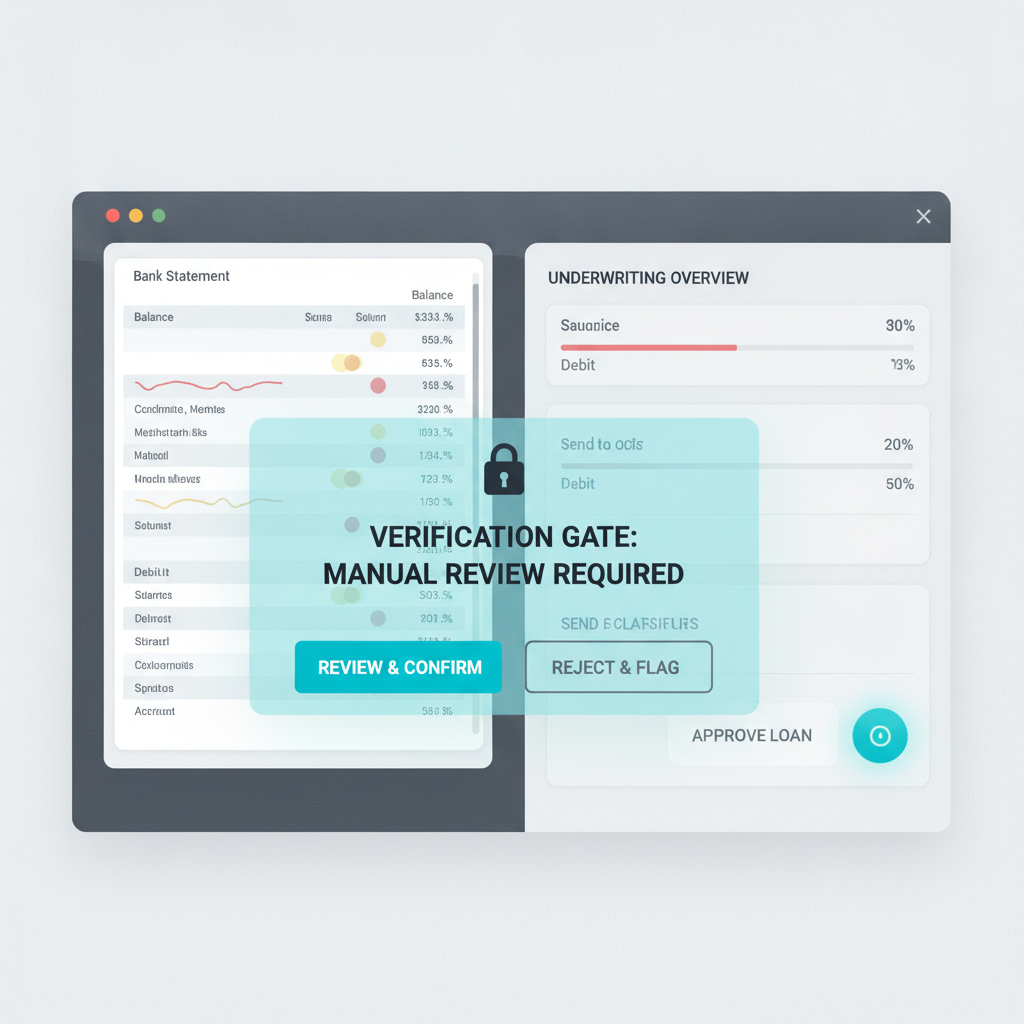
The design rule: once a bank-link workflow falls back to an uploaded statement, the trust problem changes. You are no longer verifying connectivity to the institution. You are deciding whether an uploaded document deserves trust before OCR, underwriting, or rental review use it as evidence.
The Stronger Path Is Real, But It Is Not Universal
Plaid’s current Statements documentation says the product can retrieve an exact, bank-branded PDF copy of an end user’s bank statement directly from the bank for workflows such as loan verification and rental application review. Plaid’s underwriting docs also say Statements should be used with a fallback option because coverage does not include all major or long-tail institutions.
That is the important operational detail. A modern underwriting stack may prefer linked-bank or direct-source retrieval, but it still needs a second path for:
- unsupported institutions
- users who do not complete the link flow
- exceptions and manual review cases
- legacy portals that still request uploaded statement copies
- rental or lending flows that mix digital verification with PDF collection
Once that fallback activates, the workflow is back in document-trust territory.
Why This Matters in Underwriting Specifically
Fannie Mae’s current asset-verification guidance still allows copies of bank statements and explicitly describes what those statements must include, including the institution, borrower identity, account digits, covered period, transaction detail, and ending balance. It also allows borrower-downloaded online statements when they clearly identify the institution and source.
That is a practical reminder that uploaded statements are still part of real underwriting, even in more modern stacks. Mortgage, rental, and adjacent credit workflows may have strong direct-data options, but statement copies continue to matter for reserves, liquidity checks, exception handling, and document completeness.
The risk is not that the workflow uses statements. The risk is that the workflow starts trusting the uploaded fallback file as if it carried the same provenance as direct-source retrieval.
Fallback Solves Coverage. It Does Not Solve Authenticity.
A fallback path is operationally necessary. It keeps the application moving when direct-source retrieval is not available.
But a fallback PDF can still be:
- edited before upload
- screenshotted and re-exported to flatten provenance
- partially altered in high-impact fields such as balances, deposits, or account-holder details
- recreated from templates that still parse cleanly downstream
That is why “we offered bank linking” is not the same as “the fallback document is trustworthy.” Coverage logic and authenticity logic are different controls.
The Failure Mode Is Quiet
The most dangerous statement PDFs are rarely the obviously fake ones. They are the files that still behave normally inside the rest of the workflow:
- OCR extracts the rows cleanly
- an analyst summary looks coherent
- underwriting notes inherit the same numbers
- a rental reviewer sees a plausible reserve picture
Everything downstream can work correctly while the workflow is still trusting a manipulated source document.
That is the same broader trap behind OCR Is Not Verification: readable content is not the same thing as trustworthy evidence.
Where the Verification Step Belongs
The cleanest sequence is:
- Try direct-source retrieval first through linked-bank or bank-supplied statement access when supported.
- If fallback is triggered, collect the uploaded file but do not trust it yet.
- Run document verification on the uploaded statement before OCR, parsing, analyst review, or approval logic continue.
- Continue normal underwriting on low-risk files and escalate suspicious ones for replacement, direct-source retry, or deeper review.
This preserves the speed benefits of linked-bank workflows while preventing the fallback path from becoming an ungoverned trust gap.
What DocVerify Can Credibly Check Here
Based on the current product and codebase, DocVerify is a fit for the fallback step because it already analyzes the actual file formats these workflows receive: PDFs and common image uploads.
Relevant checks include:
- metadata and edit-history anomalies that do not match the claimed origin of the file
- suspicious PDF structural signals such as unusual revision patterns or layered content
- screenshot and recompression patterns that suggest the file is not an original bank-issued artifact
- font and glyph inconsistencies around balances, names, dates, and transactions
- clone or tamper indicators in edited regions
- model-based suspicious-region localization so a reviewer can focus on the highest-risk areas first
Those checks do not replace direct-source data. They reduce the chance that fallback uploads quietly inherit the same trust as direct retrieval.
This Is Useful Beyond Mortgage Underwriting
The same pattern appears in:
- rental screening when applicants do not complete the bank-link flow
- consumer or SMB lending when statement copies are still accepted in exceptions
- manual fraud operations when analysts request document uploads to resolve edge cases
- hybrid digital onboarding where some institutions are supported and others are not
In all of those cases, the workflow should treat fallback as a different trust state, not just a different transport method.
Do Not Let the Fallback Path Become the Fraud Path
If your product advertises direct-source verification, that is good. But the real design question is what happens on the days the direct path does not complete.
When the workflow falls back to a borrower-uploaded statement PDF, document verification belongs at intake before OCR, underwriting review, or rental approval start compounding trust around the file.
That is where DocVerify fits. Teams can screen uploaded statement PDFs and images through https://docverify.app before fallback documents become trusted financial evidence.
- Try DocVerify: https://docverify.app
- Broader bank-statement context: Fake Bank Statements in Lending and Onboarding
- Workflow principle: OCR Is Not Verification