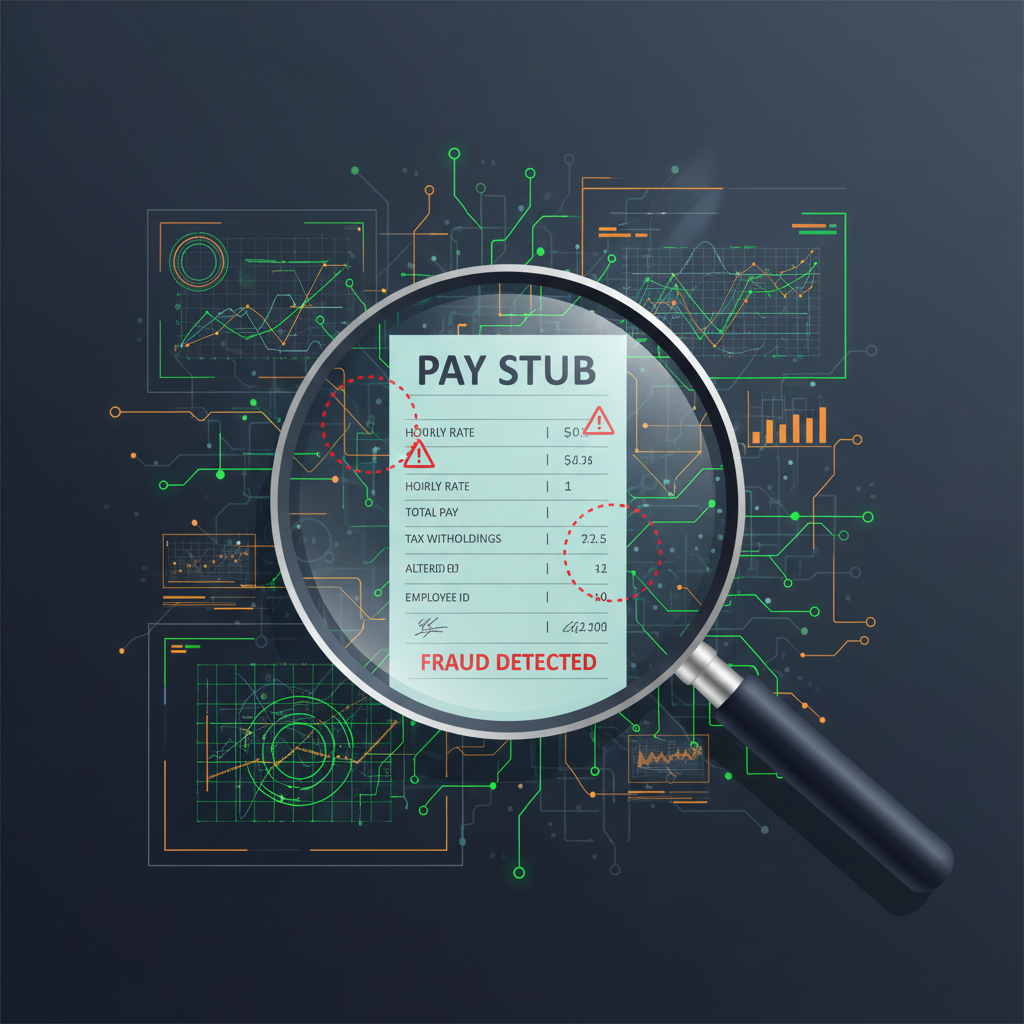
The Income Document Problem Nobody Solved
Pay stubs are how the modern economy grants access. Landlords use them to qualify tenants. Lenders use them to approve mortgages and car loans. Fintechs use them to extend credit. HR departments use them to verify employment history.
And right now, one in ten pay stubs submitted to lenders as proof of income is fake.
That statistic — from a 2024 analysis of real submitted documents — is not an edge case. It describes the baseline fraud environment that every income verification workflow operates in today. The numbers compound from there:
- Auto lending fraud reached $9.2 billion in 2024 — income and employment misrepresentation alone accounted for $3.9 billion, or 42% of all auto loan fraud
- 84.3% of rental housing providers who reported fraud said applicants falsified or fabricated pay stubs, employment references, or income documentation
- Nearly 75% of property managers reported a sharp rise in falsified applications in 2024
- In the Canadian mortgage market, over 95% of fraud cases involved fake pay stubs, employment letters, or bank statements
These are not theoretical risks. They are operational losses that compound quietly — until a tenant defaults after month three, or a car loan goes delinquent on an income that never existed.
The central problem: the pay stub in your inbox looks legitimate. Your process checks that the numbers are consistent. Your team asks for a second form of ID. And none of that tells you whether the document was generated in a browser five minutes ago.
How Fake Pay Stubs Are Made
The tools for generating convincing fake pay stubs are cheap, accessible, and require no technical skill.
Template generators
Dozens of websites sell pay stub templates for every major payroll provider — ADP, Paychex, Gusto, QuickBooks Payroll. The user fills in employer name, hours, gross pay, and deductions. The output is a pixel-consistent PDF with correct fonts, layout, and tax calculation logic. Cost: $5 to $20 per stub.
AI-assisted editing of real documents
Fraudsters upload a genuine pay stub and use image editing tools or generative AI to change specific values — gross pay, net pay, employer name, YTD totals. The surrounding formatting is real, which makes the edits extremely hard to spot visually. The document metadata, font embedding, and layout remain intact from the original.
Fully synthetic generation
Advanced fraud now uses generative models to produce pay stubs from scratch, including matching watermarks and formatting to specific regional payroll processors. These documents have never existed as real originals — they were always fake.
In every case, the output is a PDF or image file that looks indistinguishable from the real thing when viewed in a browser or printed.
Why Standard Checks Fail
Most income verification workflows rely on one or more of these approaches. None of them closes the gap.
OCR and data extraction
OCR reads what a document says. It does not check whether the document is authentic. A fake pay stub that reports $8,500 monthly gross income passes OCR perfectly — because the text is accurate. The document is just fabricated.
Cross-checking for internal consistency
Some workflows flag pay stubs where the YTD totals do not match the per-period figures, or where tax withholding looks wrong for the stated income. Modern template generators handle these checks automatically. They ship with tax calculation logic built in. Internally consistent fakes are now the default.
Employment verification calls
Calling the employer is the traditional backstop. But fraudsters increasingly use burner phone numbers, fake business addresses, or accomplice employers who confirm the employment. In high-volume workflows — rental applications, fintech onboarding, auto lending — calling every employer is not operationally viable anyway.
Visual inspection
Visual review catches obvious fraud. It does not catch sophisticated template-generated fakes, AI-assisted edits to real documents, or synthetic documents that have never had a real original. The level of skill required to pass visual review dropped significantly in 2024 when generative AI tools became widely available.
What Document-Level Verification Actually Checks
Document authenticity verification operates at a different layer than data extraction. Instead of asking "what does this pay stub say," it asks "is this pay stub real."
The analysis targets signals that a fraudster cannot easily control:
Digital structure and metadata
Every PDF has a creation history — software used, editing timeline, embedded fonts, and compression artifacts. A pay stub exported from QuickBooks Payroll has a different internal structure than one generated by a fake template. Gaps between stated creation date and actual file metadata are a strong signal. Multiple editing layers where only one is expected are a strong signal.
Visual forensics
Image-based editing of real documents leaves residue in pixel distributions, especially at the boundaries of modified regions. Cloning, copy-paste, and font substitution all produce statistical anomalies that are invisible to the human eye but detectable in feature analysis across the full document. Generative AI documents produce their own characteristic artifacts — consistency patterns in background texture, noise distribution, and edge rendering that differ from documents produced by real payroll software.
Font and rendering signatures
Payroll software renders fonts using specific methods. Template generators approximate these rendering signatures, but they rarely match exactly. Font fingerprinting catches substitutions even when the visual appearance is correct.
Layout and formatting consistency
Legitimate pay stubs have structural patterns tied to the payroll software that generates them. Template generators produce documents with plausible but generic layouts. The spacing, alignment, and formatting logic of a real ADP stub differs from a template stub claiming to be from ADP — and these differences are consistent enough to flag.
The key shift: document verification produces a risk score before the content is trusted, not after. It is a pre-check on authenticity, not a post-check on data quality.
Where This Belongs in Your Workflow
The integration point is before any downstream decision that depends on the income figure. That means:
Rental application screening
Run document verification on the pay stub at submission time, as part of the application intake step — not as a separate manual review queue. Applicants with high-risk documents get flagged before a showing is scheduled. Low-risk documents proceed normally. The process adds no delay for legitimate applicants.
Auto lending and personal loan origination
Income misrepresentation is the largest single fraud category in auto lending. Checking pay stub authenticity at loan application submission gives underwriters a risk signal before the file reaches decisioning. For fintechs using automated decisioning, the authenticity score can feed directly into the loan approval model as a feature.
Mortgage pre-qualification
Mortgage fraud risk increased through 2025. Income-related alerts — specifically cases where employer information cannot be verified — are rising. Document verification of pay stubs and employment letters provides a forensic baseline before income is trusted in underwriting.
HR and employment verification
Pre-employment income verification, contractor onboarding, and background screening workflows all ingest pay stubs. The same fraud tooling that targets lenders and landlords targets HR processes. Verifying authenticity before making an employment or compensation decision closes an often-overlooked exposure.
The API Integration Pattern
For workflows that already ingest documents programmatically, adding document verification is a single API call:
POST /verify
{
  "document": "<base64-encoded pay stub PDF or image>",
  "agentId": "<your-configured-agent-id>"
}

Response:
{
  "authentic": false,
  "risk_score": 0.91,
  "signals": ["metadata_inconsistency", "font_substitution", "editing_artifacts"],
  "summary": "Document shows signs of template generation and targeted field editing."
}
The response is a structured risk signal, not a black-box rejection. Your workflow decides what to do with it — flag for manual review, auto-decline, or request a second document type. You stay in control of the decision logic.
For non-technical teams using the DocVerify dashboard, the same check runs through the UI — drag-drop a pay stub, get a risk score and explanation within seconds.
Related: When Pay Stubs and Bank Statements Need to Match
For higher-value decisions — mortgage underwriting, large rental deposits, business credit — the most effective approach combines pay stub verification with bank statement verification. Fake pay stubs often appear alongside fake bank statements because fraudsters need both documents to support the same fabricated income narrative.
Checking both documents individually and checking whether they tell a consistent story about the same account and income history is a substantially stronger fraud signal than either check in isolation. See: why document authenticity matters beyond data extraction.
The Operational Reality
Manual fraud review does not scale. Auto lending volumes, rental application backlogs, and fintech onboarding queues move too fast for document-by-document manual inspection. The workflows that catch fake pay stubs consistently are the ones that check authenticity automatically at intake — before a human reviewer is involved.
The cost of a missed fake pay stub is not just the bad loan or the bad tenancy. It is the downstream operational cost — collections, eviction, write-offs, and in the auto lending sector, recovery costs on assets that were financed against income that never existed.
One in ten pay stubs is already fake. That number is going up. The baseline fraud environment does not return to a simpler state.
The practical floor: any income verification workflow that does not include document authenticity checking is operating with a structural blind spot — one that fraudsters are already exploiting at scale.
Try It
DocVerify provides document-level authenticity verification for pay stubs, bank statements, invoices, and identity documents via API and dashboard.
- Try DocVerify: https://docverify.app
- Integrate the API: Developer walkthrough
- Bank statement verification: Why bank statements need the same treatment
- ERP and AP workflows: Invoice authenticity in AP automation