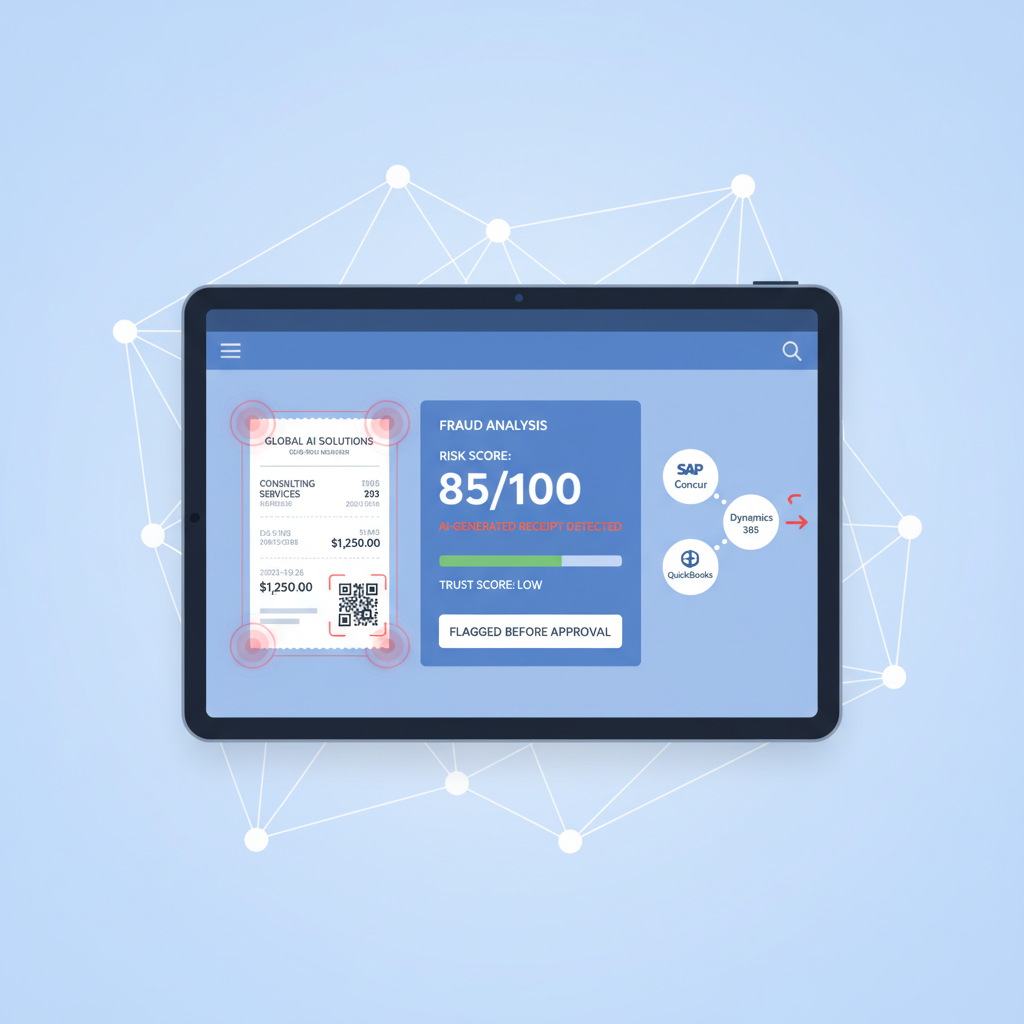
Expense fraud is not new. What changed is how easy it has become to create a fake receipt that looks calm, complete, and ordinary to a human reviewer.
SAP Concur recently said its AI-powered auditing stack is flagging AI-generated receipts at roughly 18 times the rate of earlier checks focused only on known receipt generators, and about 1% of reviewed receipts are now being flagged as potentially AI-generated. That is a useful signal for every AP manager, controller, and finance-systems lead running expense workflows today.
The workflow lesson: if your expense process still depends on a person "looking at the receipt" before SAP Concur, Dynamics 365, QuickBooks, or an internal AI copilot acts on it, the trust layer is too late and too weak.
Why Human Review Is Losing the Race
Human expense review used to catch the obvious problems:
- totals that did not add up
- blurry edits around the amount field
- merchant names that looked wrong
- missing tax lines or unrealistic formatting
AI-generated receipts change that operating assumption. A generated or carefully edited receipt can now include:
- plausible logos and merchant formatting
- internally consistent dates, VAT lines, and totals
- clean-looking typography at normal review zoom
- a believable screenshot or export flow that feels routine to the reviewer
The result is not that the reviewer becomes careless. It is that the document no longer gives the reviewer enough visible evidence to make authenticity judgments reliably at speed.
What Finance Teams Usually Check Instead
Most expense workflows still emphasize controls that are useful but downstream from the trust problem:
- OCR or extraction to read the merchant, amount, tax, and date
- policy logic to confirm spend category, thresholds, and required fields
- approval routing to send the claim to the right manager or AP queue
- AI summaries to explain why the expense appears compliant
Those controls answer whether the claim is processable. They do not answer whether the receipt is real.
A forged receipt can still be extracted correctly, summarized correctly, routed correctly, and approved correctly.
Why This Matters in SAP Concur, Dynamics 365, and QuickBooks
The specific UI changes by stack, but the failure mode is consistent.
SAP Concur
The workflow can capture the receipt, parse the data, apply policy, and tee up an audit trail. If the uploaded receipt was AI-generated but visually plausible, the workflow may still present a clean, reviewable expense packet.
Dynamics 365 plus Power Automate
A flow can ingest the document, extract fields, and draft an approver-friendly summary before anyone inspects whether the underlying image or PDF shows forensic signs of manipulation.
QuickBooks and lean finance stacks
Controllers and founders often approve fast because the workflow is intentionally lightweight. That speed is exactly why a realistic fake receipt is dangerous: the process is optimized to move on once the document looks normal enough.
The Real Gap: Evidence Trust Before Workflow Trust
The finance question to ask is simple:
Before the receipt becomes structured workflow data, what checks whether the uploaded document deserves trust?
If the answer is still "the reviewer will probably notice," then the control model is built for older fraud, not current fraud.
This is also why the same broader AP warning from Invoice OCR Is Not Invoice Trust matters on the expense side: once the workflow starts acting on the document, confidence compounds faster than verification.
What the Earlier Trust Layer Should Check
Based on the current DocVerify product and codebase, relevant receipt-workflow checks include:
- metadata and origin anomalies that do not fit the claimed document path
- font and glyph inconsistencies around totals, taxes, merchant names, or timestamps
- clone and tamper signals where regions appear duplicated, patched, or regenerated
- screenshot and recompression patterns that suggest recapture or edit masking
- suspicious PDF or image structure that points to manipulation rather than ordinary export
- model-based suspicious-region localization so reviewers can see exactly where to look first
That layer does not replace policy review. It decides whether policy review should trust the document in the first place.
A Better Expense Workflow Pattern
- Receipt upload from mobile capture, email, portal, or employee submission
- Document verification before OCR, AI auditing, or approval summaries run
- Clean receipts continue into SAP Concur, Dynamics 365, QuickBooks, or the internal approval stack
- Suspicious receipts branch into a smaller exception queue with concrete forensic context
- Human reviewers focus on higher-risk cases instead of pretending every visual check is equally meaningful
This is the practical shift: use people where judgment is valuable, and use document forensics where human eyesight is no longer a sufficient control.
What to Do Next
If your team is modernizing expense operations, do not treat better OCR, better approval UX, or better AI summaries as a substitute for document authenticity.
Put the trust check at upload, before the rest of the workflow gets a chance to be confidently wrong.
- Try DocVerify: https://docverify.app
- Related AP reading: Invoice OCR Is Not Invoice Trust
- Expense workflow fit: DocVerify can sit in front of receipt OCR, AI audit steps, and ERP approval flows as a document-authenticity layer.