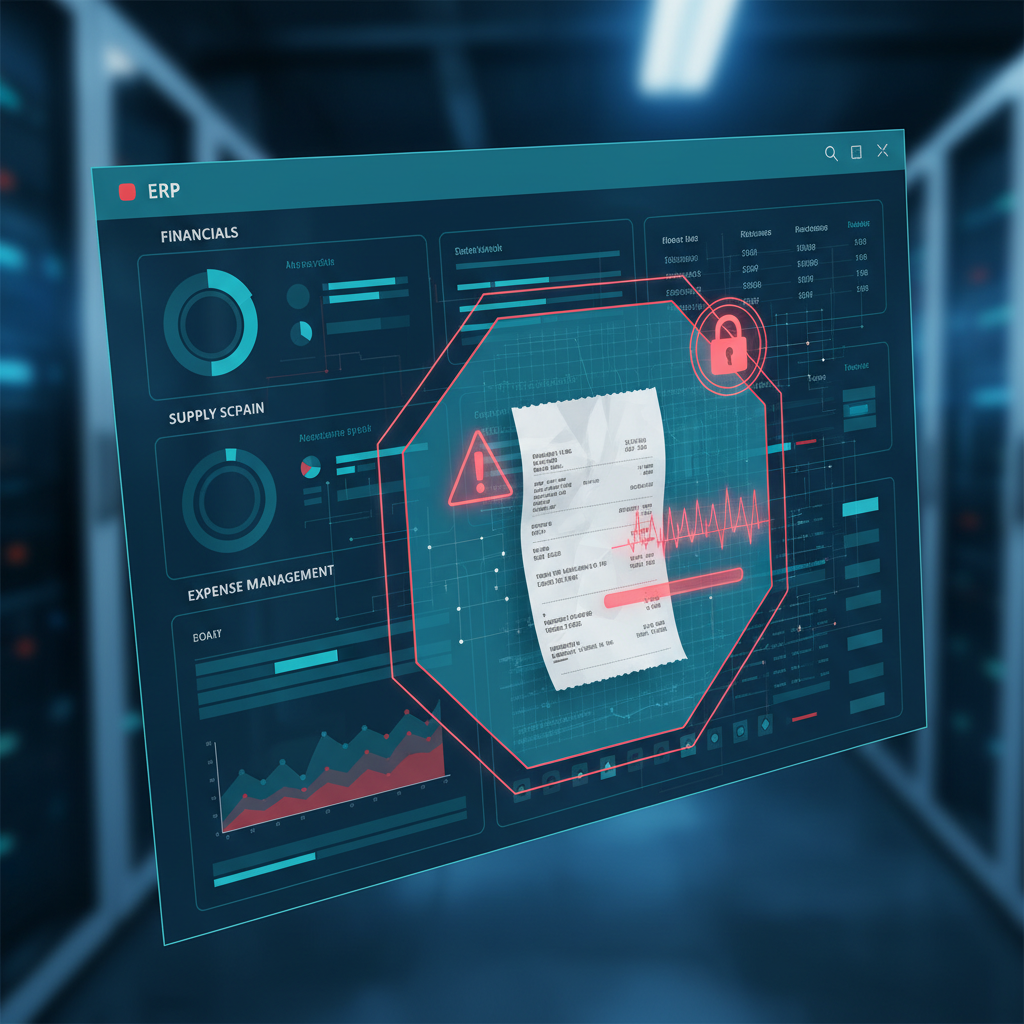
Finance controllers who run Dynamics 365, SAP Concur, or QuickBooks Online know the drill: every expense claim routes through an approval chain. Category limits, policy rules, manager sign-off, GL coding — the ERP enforces all of it.
What the ERP does not enforce is whether the receipt is real.
That is the gap. And it is the gap that AP fraud currently lives in.
What ERP Approval Workflows Actually Check
A well-configured Dynamics 365 or SAP Concur workflow will:
- Route the claim to the correct approver based on amount and cost center
- Flag missing receipts or out-of-policy categories
- Enforce dual-approval above a spend threshold
- Match the claim to a project code or GL account
- Block reimbursement until all required fields are populated
These are routing and policy controls. They are genuinely useful. They catch the obvious mistakes — wrong category, missing backup, amount over limit.
They do not look at the document itself. They do not ask: is this receipt authentic?
The Forgery Surface Your ERP Ignores
Modern receipt forgery does not require Photoshop expertise. Freely available tools can produce:
- Pixel-edited receipts — a legitimate $42 hotel breakfast becomes $142 by changing a single character in an image editor
- Synthetic receipts — fake receipt generators produce plausible-looking documents with merchant names, timestamps, and tax lines that pass a visual inspection
- PDF amount substitutions — text layers inside PDFs can be replaced without touching the visual appearance, leaving a document that looks identical but contains different numbers
- Duplicate resubmissions — the same real receipt submitted against two different expense reports, sometimes months apart
Every one of these passes ERP policy checks cleanly. The receipt is present. The amount is within policy. The category is correct. The approver clicks approve.
How This Plays Out in Practice
Dynamics 365 Finance scenario
An employee submits a $240 hotel receipt in Dynamics 365. The original bill was $140. The image was edited in under three minutes. The approval workflow routes it to their manager, who sees a receipt that looks like a hotel bill. Amount is under the $500 single-receipt review threshold. The claim clears.
The AP team sees the transaction in the ledger as "Hotel — Client Visit." Nobody revisits it. Audit catches it fourteen months later during an annual review, by which point the employee has filed six more claims using the same method.
SAP Concur scenario
A regional sales manager submits eleven expense reports over two quarters. Eight of the receipts are real. Three are synthetic — generated from an online tool, filled with plausible merchant data. SAP Concur's optical character recognition extracts the amounts, dates, and merchant names correctly. The policy rules are satisfied. All three fraudulent claims are reimbursed.
QuickBooks Online scenario
A small professional services firm uses QuickBooks Online with receipt photo capture. An employee photographs a modified receipt — the amount field edited from $28 to $128. QuickBooks reads and categorizes the document. The owner approves based on the category and vendor name. The modified amount is reimbursed without question.
Why Three-Way Matching Does Not Catch This
Three-way matching — purchase order, receiving report, vendor invoice — is designed for procurement fraud. It validates that you ordered what you received and that the invoice matches.
Expense reimbursement does not have a PO. It does not have a receiving record. There is only the claim and the receipt. If the receipt is forged, there is nothing to match against. The control does not apply.
This is why ERP controllers who rely on three-way matching for invoice fraud are still exposed on the expense side.
The Detection Gap Is a Known Audit Finding
Internal audit teams are increasingly citing this gap in audit reports. The finding typically looks like this:
"The current expense reimbursement process includes policy enforcement and managerial approval but does not include verification of source document authenticity. The organization relies on the assumption that submitted receipts are genuine."
That assumption is what fraud relies on.
ACFE (Association of Certified Fraud Examiners) data consistently shows expense reimbursement as one of the most common asset misappropriation schemes, with a median loss of $26,000 per case and a median duration of 18 months before detection. The long duration reflects the absence of systematic authenticity controls — the fraud continues until a human happens to look more carefully.
Closing the Gap: Document Authenticity Before Approval
The fix is not to rebuild the ERP approval workflow. It is to add an authenticity check at the document ingestion point — before the receipt enters the workflow.
This is where DocVerify fits. Before an expense claim moves from submission to approval queue, DocVerify screens the attached receipt for:
- Pixel-level manipulation signals — compression artifact inconsistencies, cloning patterns, lighting mismatches
- Synthetic generation markers — font rendering anomalies, layout inconsistencies, metadata patterns characteristic of generated documents
- Metadata integrity — modification timestamps, software fingerprints, encoding chain anomalies
- Text layer substitution — PDF text content inconsistencies relative to the visual layer
The result is a trust score per document. A low score surfaces the receipt for manual review before it ever reaches the approver. A high score lets clean receipts flow through the existing ERP workflow uninterrupted.
The ERP still handles routing. DocVerify handles authenticity. Each system does what it is actually designed to do.
Integration Approach
DocVerify exposes a REST API that takes a document upload and returns a structured authenticity assessment. Typical integration patterns for ERP environments:
- Pre-submission webhook — call DocVerify when an employee attaches a receipt, before the claim is submitted. Flag suspicious documents immediately.
- Approval queue filter — run DocVerify on all incoming claims overnight. Move flagged items to a separate review queue for the AP team.
- Audit sampling layer — run DocVerify on a statistical sample of approved claims as a background control, without interrupting the primary workflow.
For teams using Dynamics 365, the webhook pattern integrates cleanly with Power Automate flows. For SAP Concur, the API fits into the receipt processing pipeline. For QuickBooks Online, it can run as a middleware layer between the mobile receipt capture and the transaction record.
Related reading: If your AP team also handles invoice approvals, see Invoice OCR Is Not Invoice Trust — the same authenticity gap applies to vendor invoices, and edited PDFs are even harder to spot visually than modified receipts.
What AP Managers Actually Ask
"Our team reviews flagged expenses manually — isn't that enough?"
Manual review catches policy violations: wrong category, missing receipt, amount over threshold. It rarely catches forgery, because a well-made fake looks like a real receipt to a human reviewer doing 80 expense reports in a morning. The control relies on the assumption that the receipt is genuine — which is the assumption being exploited.
"We use OCR to extract receipt data — doesn't that verify it?"
OCR reads what is in the document. If the document contains a forged amount, OCR extracts the forged amount accurately. Extraction and authenticity are different problems. OCR solves the extraction problem. It does not address authenticity.
"Our ERP flags duplicate receipts."
Most ERP duplicate checks match on exact amount and date against prior submissions for the same user. A forged receipt with a modified amount is not a duplicate of the original by those criteria. A synthetic receipt has no original to match against. Duplicate detection catches the lazy resubmission case, not the forgery case.
Start Before the Next Audit Finds It
The ERP expense fraud gap is not a flaw in Dynamics 365, SAP, or QuickBooks. Those systems do what they are designed to do. The gap is in assuming that document authenticity is solved by the presence of a receipt image.
Adding a document authenticity layer closes that assumption before it becomes an audit finding — or an $80,000 fraud loss that took 18 months to surface.
- Try DocVerify: https://docverify.app
- See the invoice fraud angle: How edited PDF invoices slip through AP automation
- Building a Concur or Dynamics integration? The DocVerify API accepts image uploads and returns a structured trust assessment. Start at docverify.app.