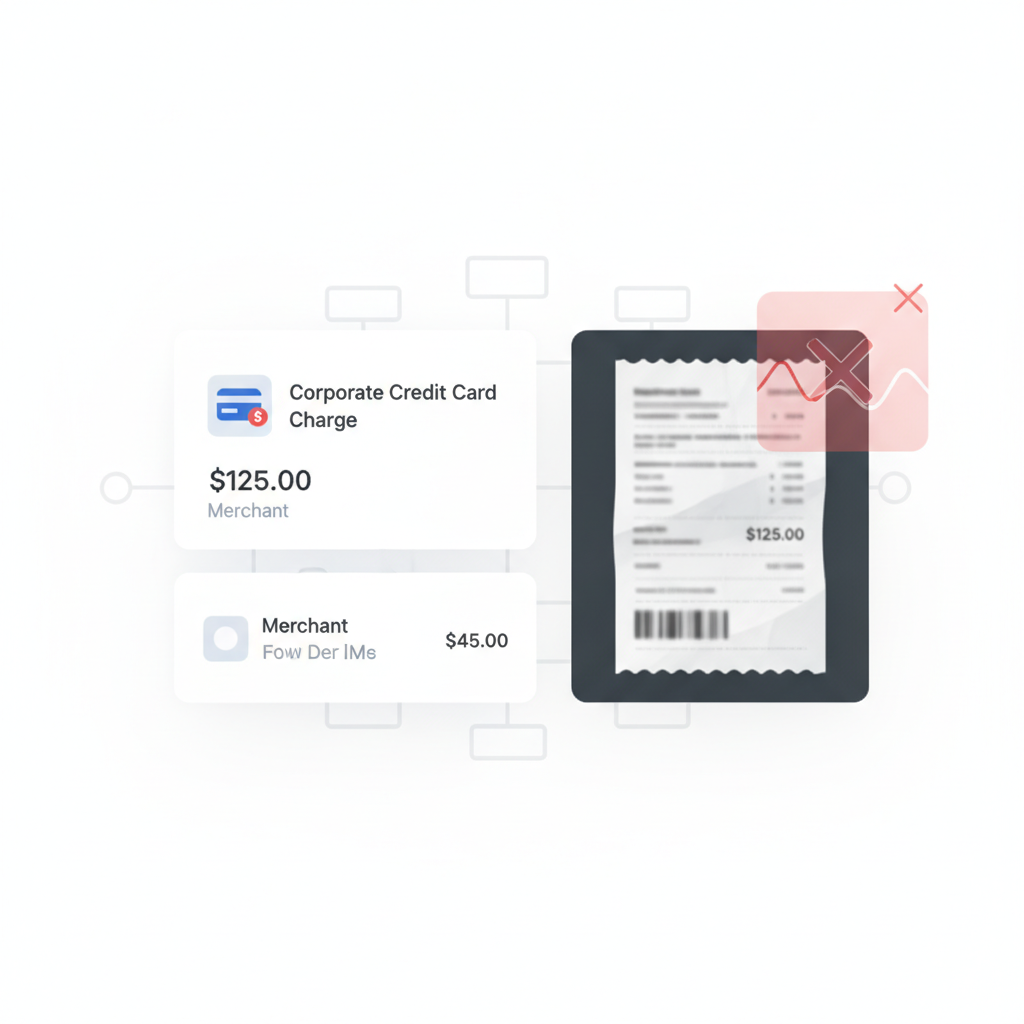
A useful accounting discussion about expense-report fraud landed on a familiar control answer fast: require a corporate card and match the charge to the receipt.
That is good advice as far as it goes. It is also where many finance teams stop one step too early.
The control gap: a matching corporate card charge helps prove that money moved. It does not prove that the uploaded receipt image or PDF itself is authentic before the workflow trusts it.
Why This Is a Real ERP Expense Problem Right Now
The current generation of expense systems is designed to make receipt handling feel routine. Microsoft’s current Dynamics 365 expense guidance shows mobile receipt capture, file upload, and OCR-based receipt matching against expenses imported from the credit card provider. QuickBooks continues to push receipt capture and automatic matching to expenses. SAP Concur’s ExpenseIt flow likewise centers on capturing a receipt, creating an expense, and matching the charge.
All of that is operationally useful. None of it means the uploaded support file earned trust before matching logic, approval routing, or ERP posting started building confidence around it.
What Corporate Card Matching Actually Proves
Corporate card matching is valuable because it helps answer questions such as:
- Did a charge actually hit the card?
- Does the amount on the receipt line up with the imported transaction?
- Did the merchant, date, or category roughly match the claim?
Those are important controls. They reduce basic fabrication and help teams reconcile spend faster.
But they still do not answer a separate question: is the uploaded receipt document itself trustworthy evidence?
An edited, regenerated, screenshotted, or re-exported receipt can still be attached to a real card charge and move through the workflow looking perfectly reasonable.
How a Matched Charge Can Still Hide Fraud
The risky case is often not a totally fake transaction. It is the one that keeps enough truth to survive matching:
- a real charge with an altered receipt total to inflate reimbursement
- a legitimate merchant receipt with edited line items or tax detail to hide policy violations
- a receipt screenshot or flattened PDF that removes the easier signs of editing
- a re-used receipt attached to a transaction that looks close enough for a busy reviewer
In each case, the card data may still look plausible. OCR may still read the receipt cleanly. Matching may still pass. The workflow succeeds operationally while the support document remains unverified.
Where This Shows Up in Dynamics 365, SAP Concur, and QuickBooks
Dynamics 365
Microsoft’s current workflow documentation emphasizes uploading or capturing receipts, then using OCR to match unattached receipts with expense entries, including expenses imported from a credit card provider. That is useful workflow design. It is not document-authenticity review.
SAP Concur
SAP Concur centers on turning captured receipts into expense entries and associating them with expense data and card activity. That helps teams move quickly. It still assumes the receipt image entering the flow is honest enough to treat as evidence.
QuickBooks
QuickBooks leans into receipt snap, upload, and automatic matching so small finance teams can keep expenses moving without manual drag. That convenience is exactly why document trust matters: the cleaner the matching flow feels, the less likely anyone is to challenge the source file itself.
Where Verification Belongs
The practical sequence is straightforward:
- Employee uploads or captures the receipt through mobile, email, portal, or connected expense intake.
- Document verification runs on the original file before OCR, card matching, or approval logic start inheriting trust from it.
- Low-risk receipts continue into extraction, card reconciliation, policy review, reimbursement, and ERP posting.
- Suspicious receipts branch into an exception queue with evidence for the controller, AP manager, or ERP admin.
- Only then should the workflow treat the receipt as support for an ordinary expense decision.
This does not replace card matching. It keeps card matching in its lane.
What the Verification Layer Should Check
Based on the current DocVerify product and codebase, useful signals in corporate-card receipt workflows include:
- metadata and origin anomalies that do not fit the claimed creation path
- suspicious PDF structure or revision patterns that suggest editing or rebuilding
- screenshot and recompression traces that point to recapture or masking of history
- font and glyph inconsistencies around totals, tax lines, timestamps, or merchant fields
- clone and tamper signals where content appears patched, duplicated, or regenerated
- model-based suspicious-region localization so reviewers know where to look first
Those checks answer a different question from transaction matching. They ask whether the source document itself should be trusted before the rest of the finance system compounds confidence around it.
Related AP workflow: if your team also routes vendor invoices through approval chains, read Invoice OCR Is Not Invoice Trust. The same control problem appears whenever a workflow trusts extracted content before it verifies the document itself.
The Finance-Control Decision to Make
If your current answer to receipt fraud is “we match the card charge,” the more precise question is this:
What checks whether the uploaded receipt deserves trust before that match is treated as evidence?
For AP managers, finance controllers, and ERP admins, that is the design decision that separates a fast workflow from a trustworthy one.
Match the Transaction, Verify the Document
Card matching is useful. Approval routing is useful. OCR is useful. None of them turns an uploaded receipt into verified evidence on its own.
DocVerify is built for that earlier decision point. Teams can screen uploaded PDFs and common image formats through https://docverify.app before Dynamics 365, SAP Concur, QuickBooks, or internal approval workflows start treating the receipt as trustworthy support.
- Try DocVerify: https://docverify.app
- Related AP reading: Invoice OCR Is Not Invoice Trust
- Expense workflow fit: DocVerify can sit in front of OCR, corporate-card reconciliation, and ERP approval flows as a document-authenticity layer.