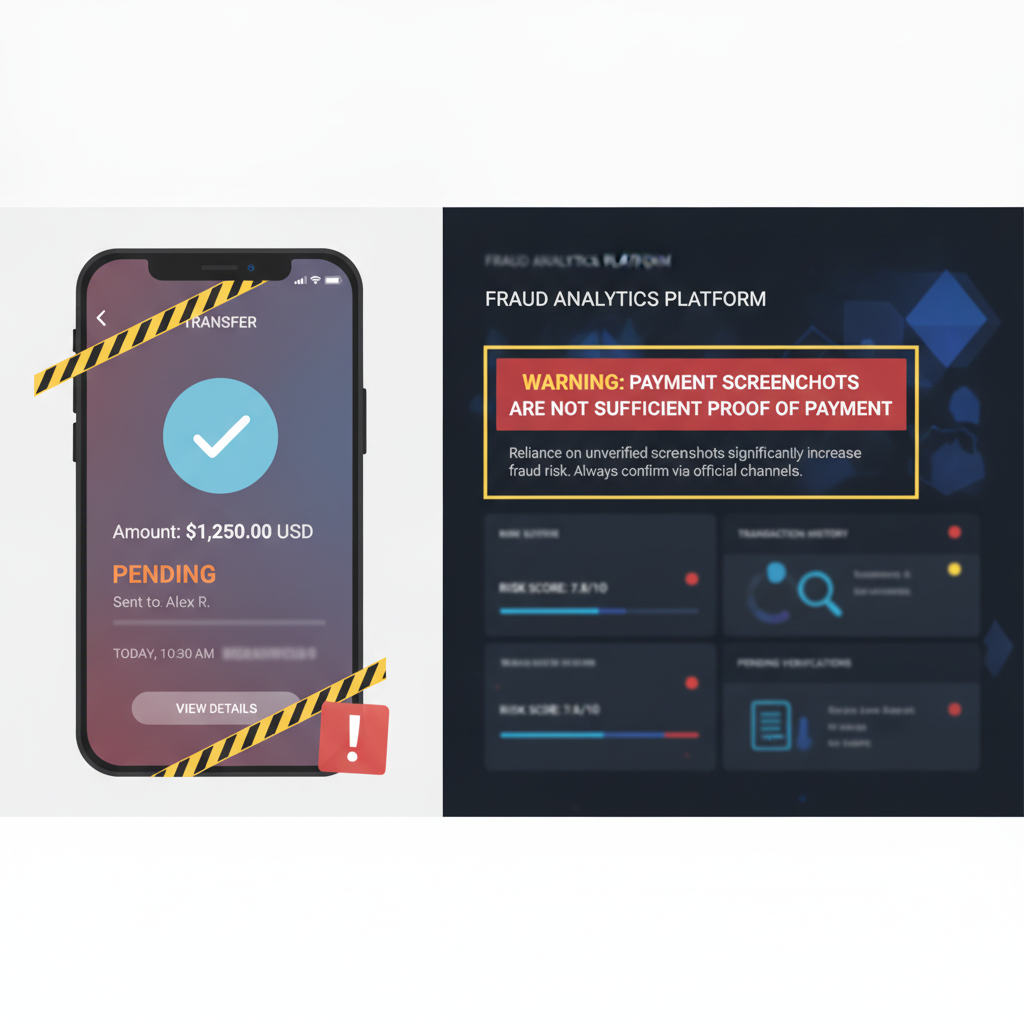
A Cash App screenshot is not the same thing as payment confirmation.
That sounds obvious until a workflow gets busy. A seller sees a "sent" screen. A support team receives a pending payment screenshot. A marketplace operator gets a dispute attachment. A contractor sends a phone image as proof that reimbursement has already happened.
The rule: if the business action is irreversible, do not treat a payment screenshot as the source of truth. Confirm the transaction in the account, processor, ledger, or bank record before shipping, releasing access, closing a dispute, or approving a refund.
Why Pending Screenshots Are Especially Weak Evidence
A pending screen is a status claim, not settlement proof. It can be real and still fail later. It can be old, cropped, forwarded, or shown out of context. It can also be edited or recreated before it reaches the reviewer.
The problem is not specific to one payment app. Any consumer payment screenshot has the same structural weakness: it is an image of a claim, not a trusted system record.
That makes pending screenshots useful as a conversation artifact but risky as an approval artifact.
The Common Failure Mode
The fraud pattern is simple:
- The buyer or claimant sends an image that appears to show a sent, pending, or completed transfer.
- The reviewer sees familiar UI cues: amount, recipient, timestamp, status, and a check mark.
- The workflow moves forward before the payment is confirmed in the actual account or processor dashboard.
- The transaction never settles, or the image later turns out to be edited, recycled, or fabricated.
The screenshot did its job: it reduced friction. The control failed because the business treated visual familiarity as financial proof.
What Screenshot Forensics Can Catch
Screenshot verification is not a replacement for transaction confirmation. It is a triage layer for cases where screenshots enter support, fraud, marketplace, rental, gig-work, or peer-payment workflows.
Useful checks include:
- copy-paste or local edit artifacts around amounts, names, handles, dates, or status labels
- inconsistent compression where one region has been edited and re-saved differently from the rest of the image
- font, spacing, or glyph anomalies in high-value fields
- metadata and export traces that do not match the claimed screenshot path
- reused image patterns when the same layout or source image appears across multiple claims
Those checks do not answer whether money settled. They answer a different question: does this image deserve trust as evidence?
Where Verification Belongs in the Workflow
For a small seller, the workflow can be as simple as: do not ship until the payment is visible in your own account.
For a platform or support team, the control should be more explicit:
- Accept the screenshot as an attachment, not as proof.
- Run image verification to flag suspicious edits or low-trust evidence.
- Match the claim to a transaction record in the payment account, processor, ledger, or bank export.
- Only then approve the business action: release goods, close a dispute, credit an account, or mark a balance paid.
This creates a clean separation between evidence intake and settlement trust.
How DocVerify Fits
DocVerify can analyze uploaded payment screenshots and common image files before a reviewer acts on them. The goal is not to become the payment processor. The goal is to stop low-trust images from being treated like financial records.
That is especially useful for teams handling:
- marketplace disputes where screenshots are submitted as evidence
- rental or deposit workflows where payment images are sent before move-in or key release
- service businesses that unlock work based on claimed payment
- support queues that review payment claims at speed
- fraud operations building a repeatable intake process for screenshot evidence
If the screenshot looks clean and the ledger confirms the transaction, the workflow can continue. If the image is suspicious or the transaction is missing, the team has a reason to hold the case before damage is done.
A Sent Screen Is a Starting Point, Not a Decision
Payment screenshots are easy to understand because they look like proof. That is exactly why they are dangerous.
Use them to start the review. Do not use them to finish it.
Teams can screen uploaded screenshots through https://docverify.app before treating payment images as trustworthy evidence.
- Related reading: Fake Cash App Screenshots: How to Spot Payment Fraud
- Related payment cluster: Fake Venmo Payment Screenshots
- Try DocVerify: https://docverify.app